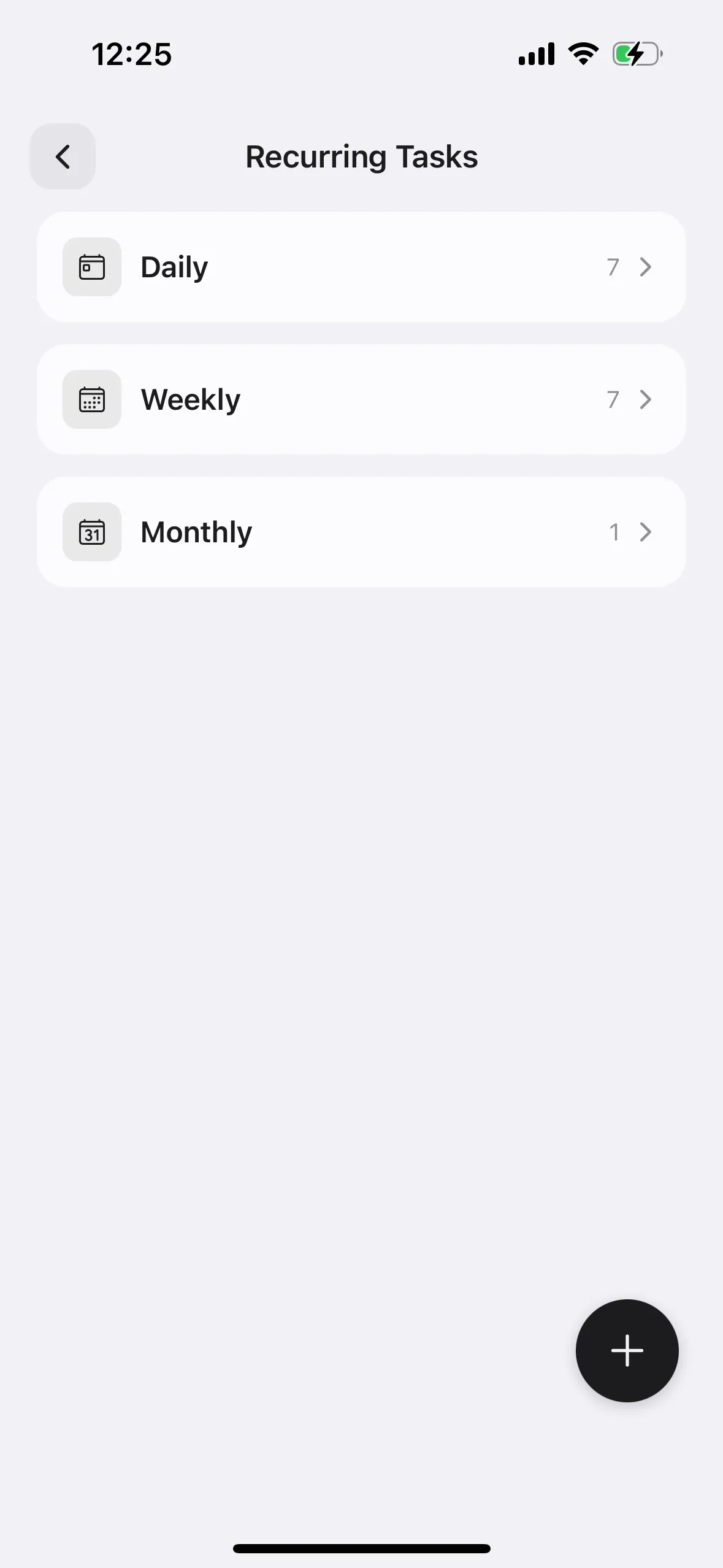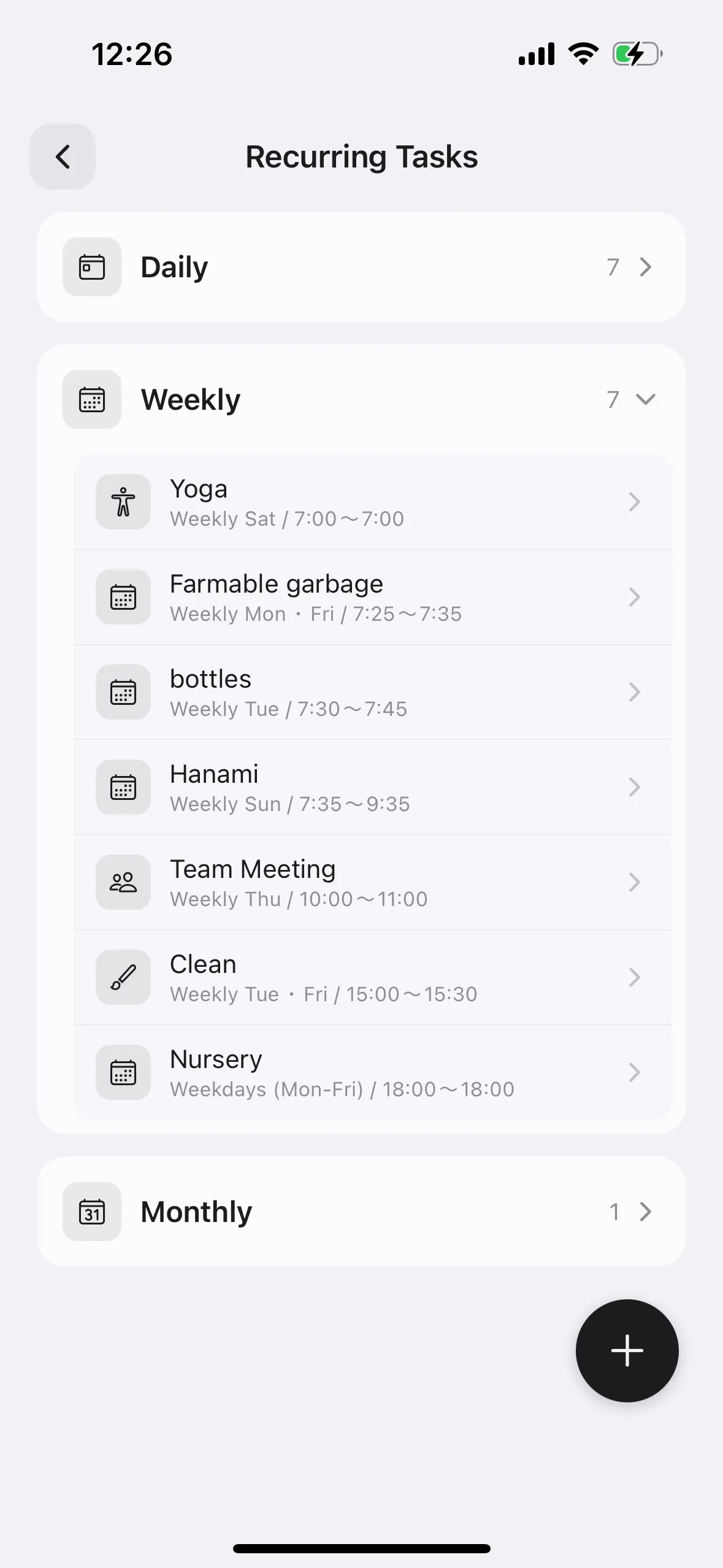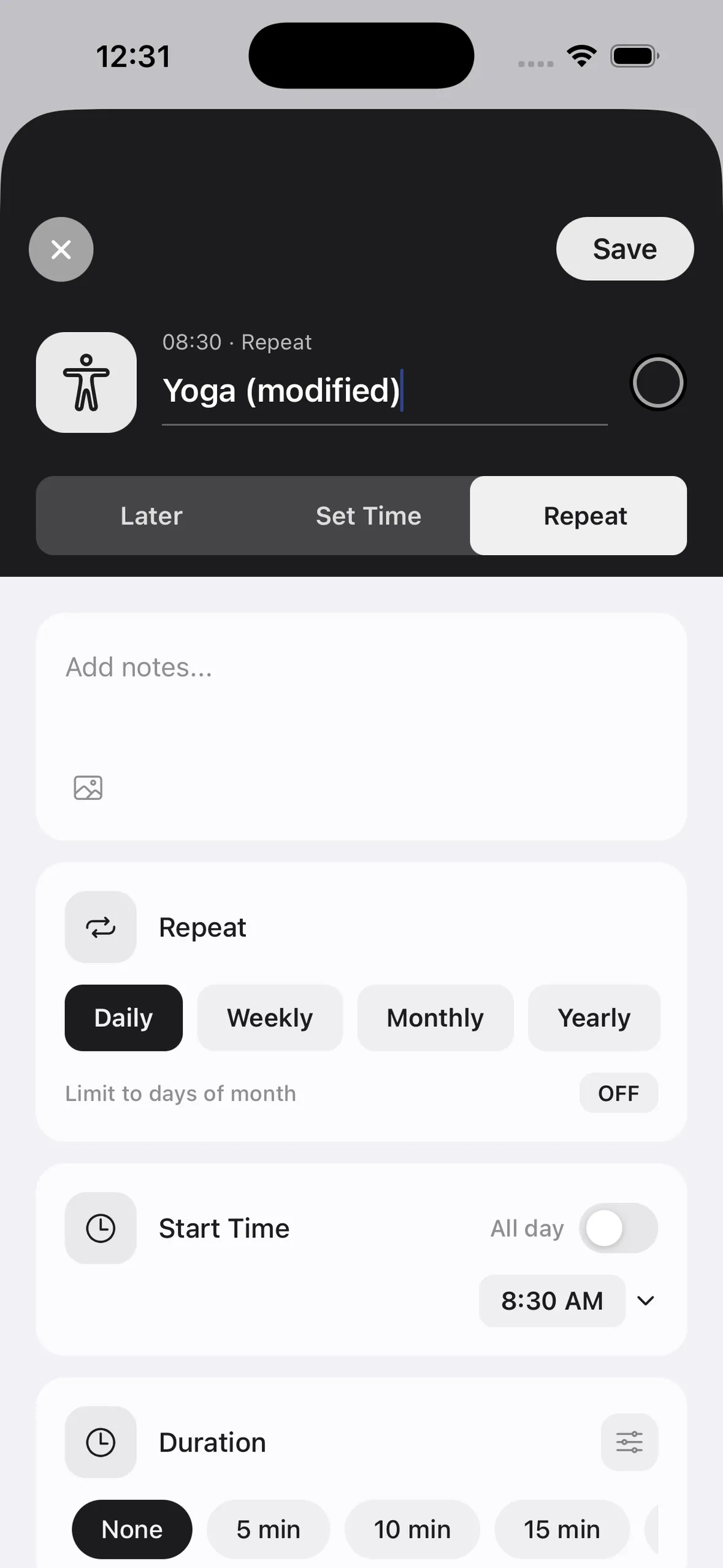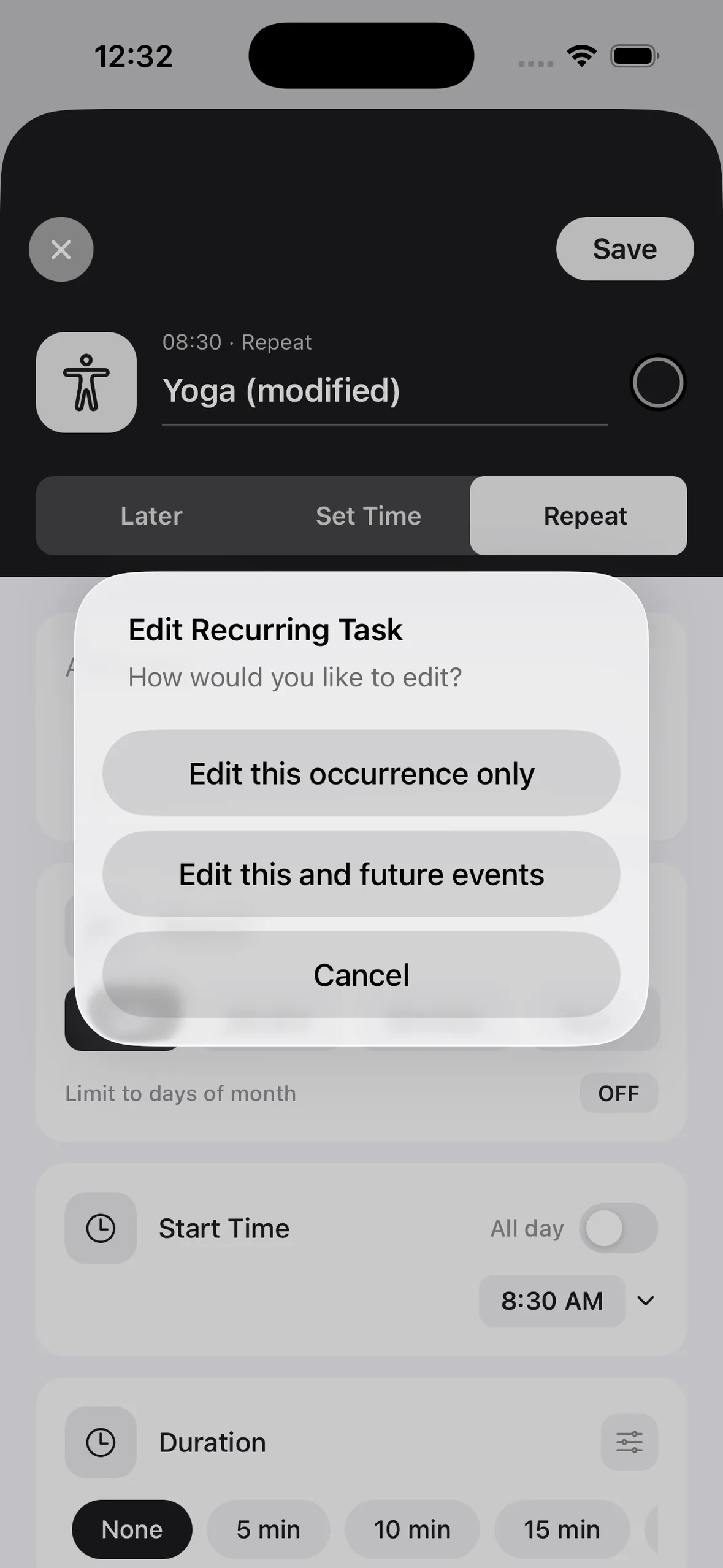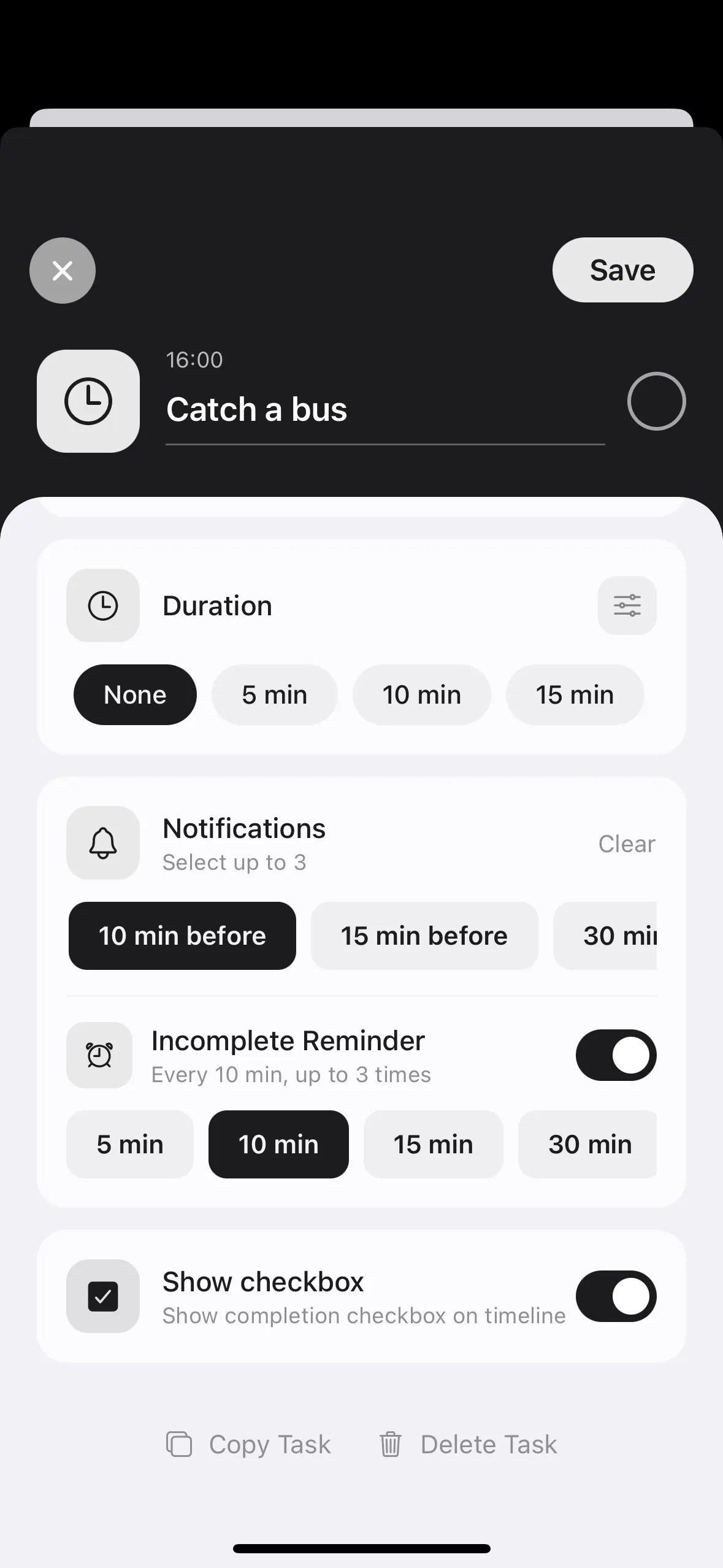
Adding a Task
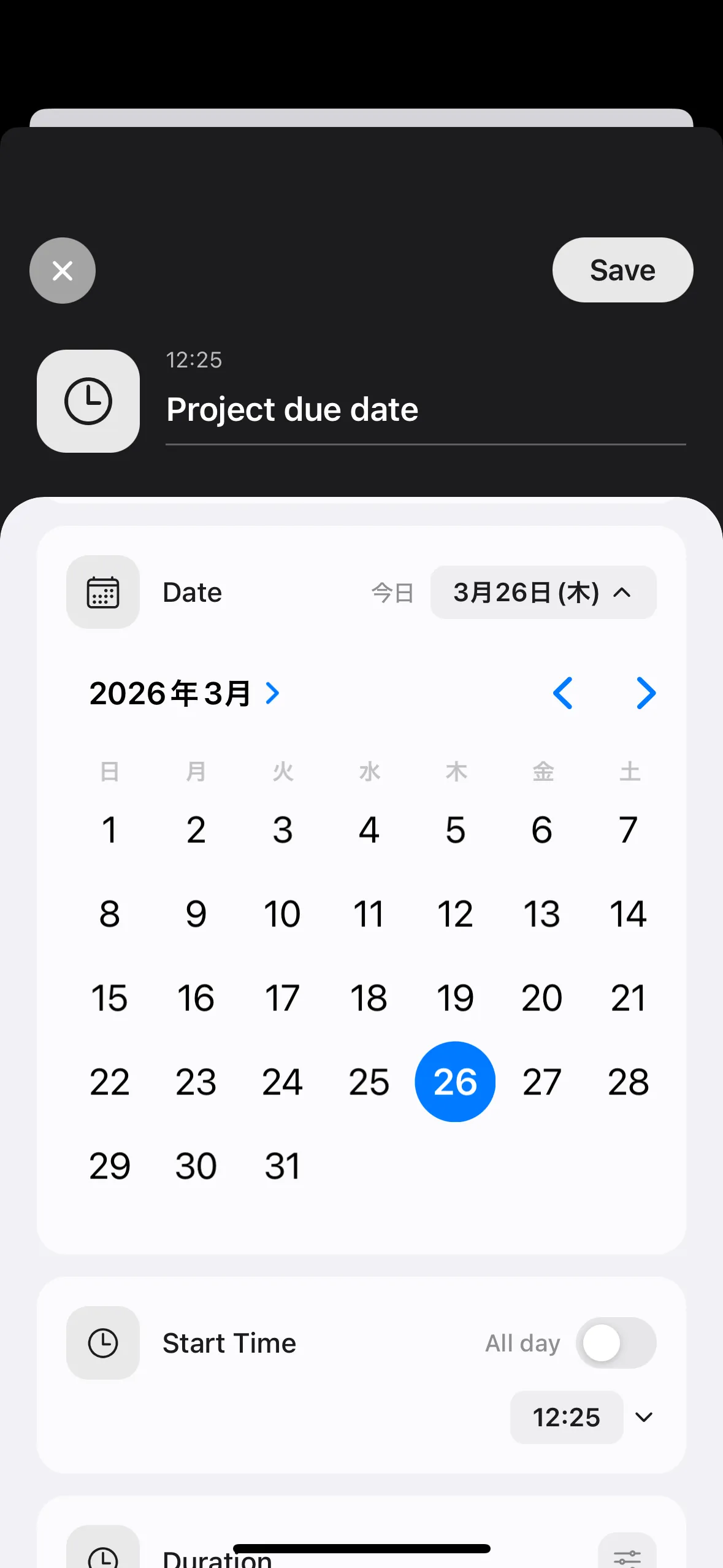
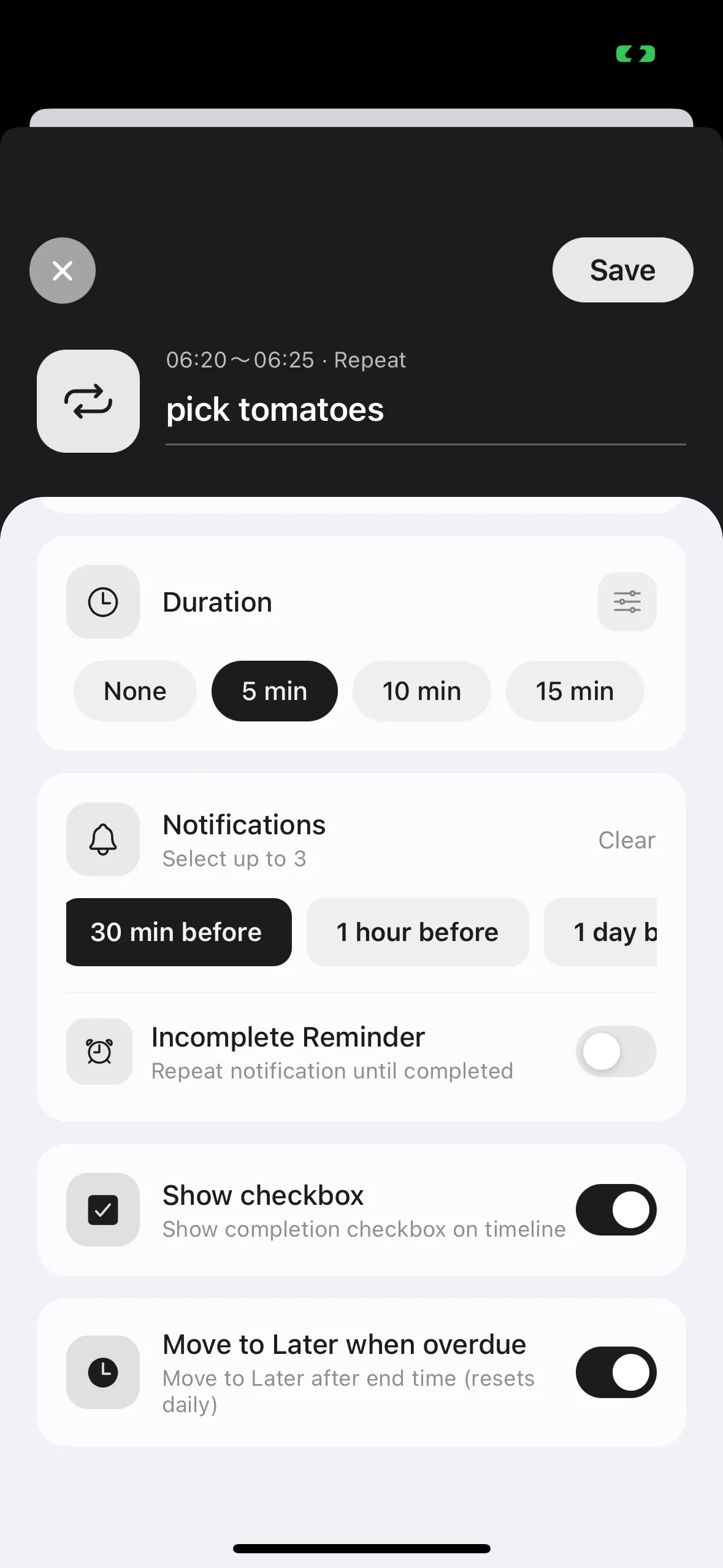
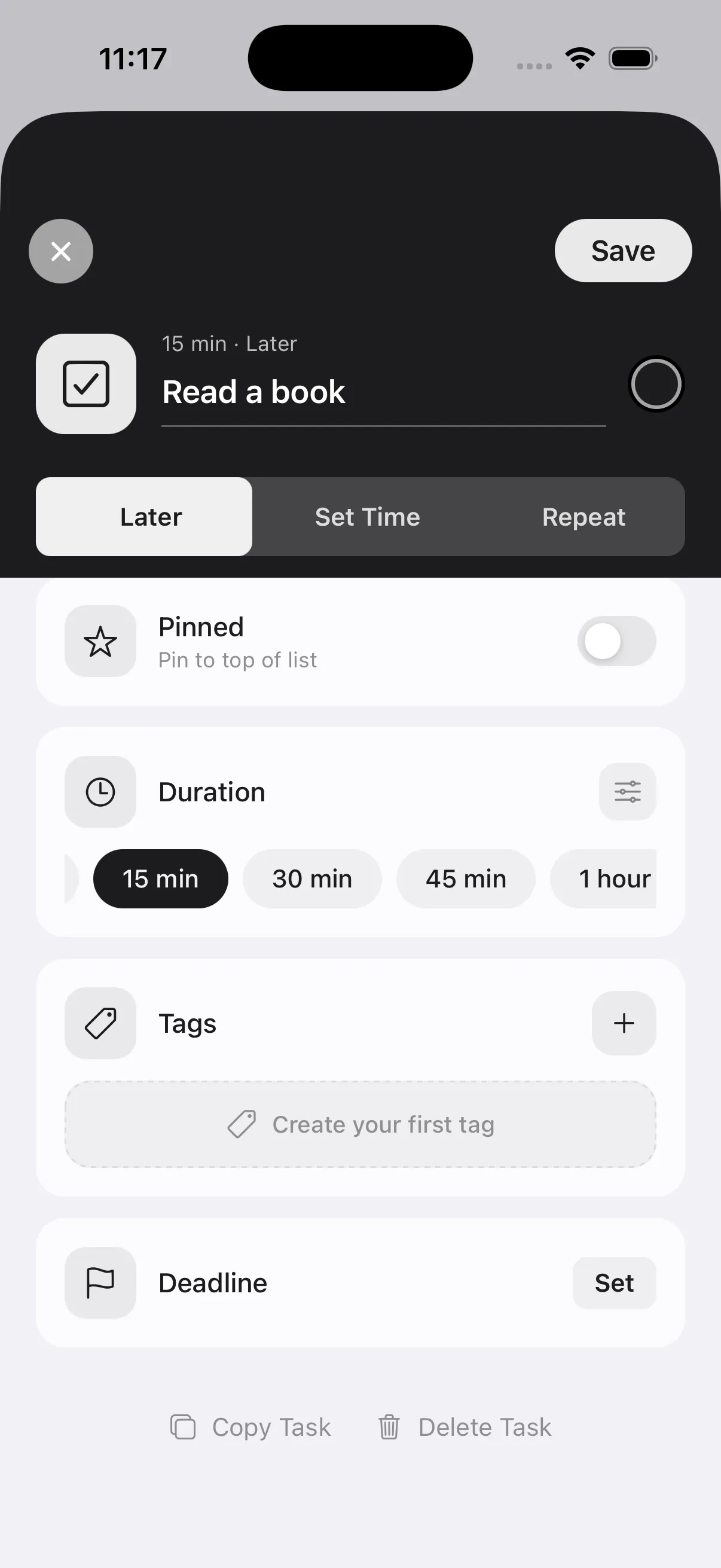
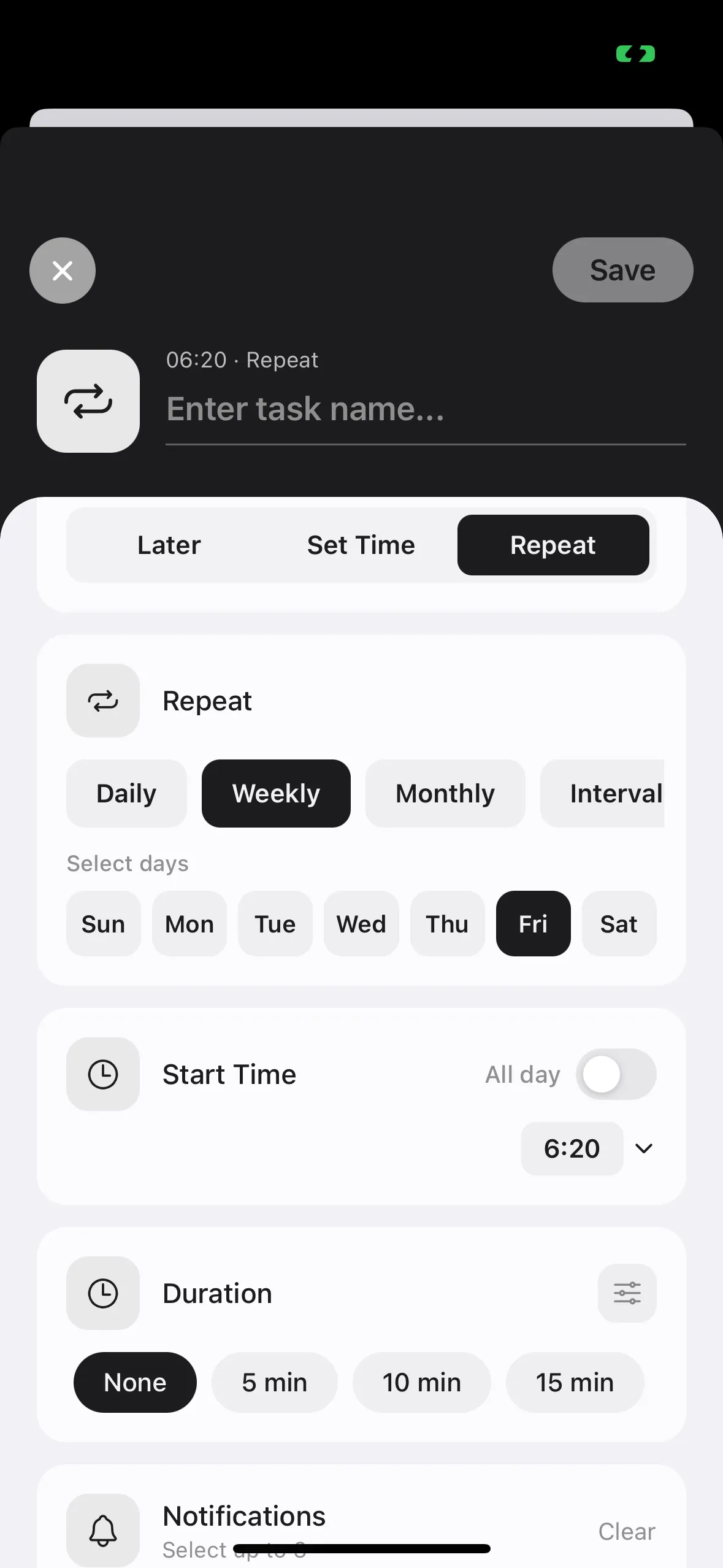
In the "When" section, choose "Later", "Scheduled", or "Recurring"
You can also set duration and deadline
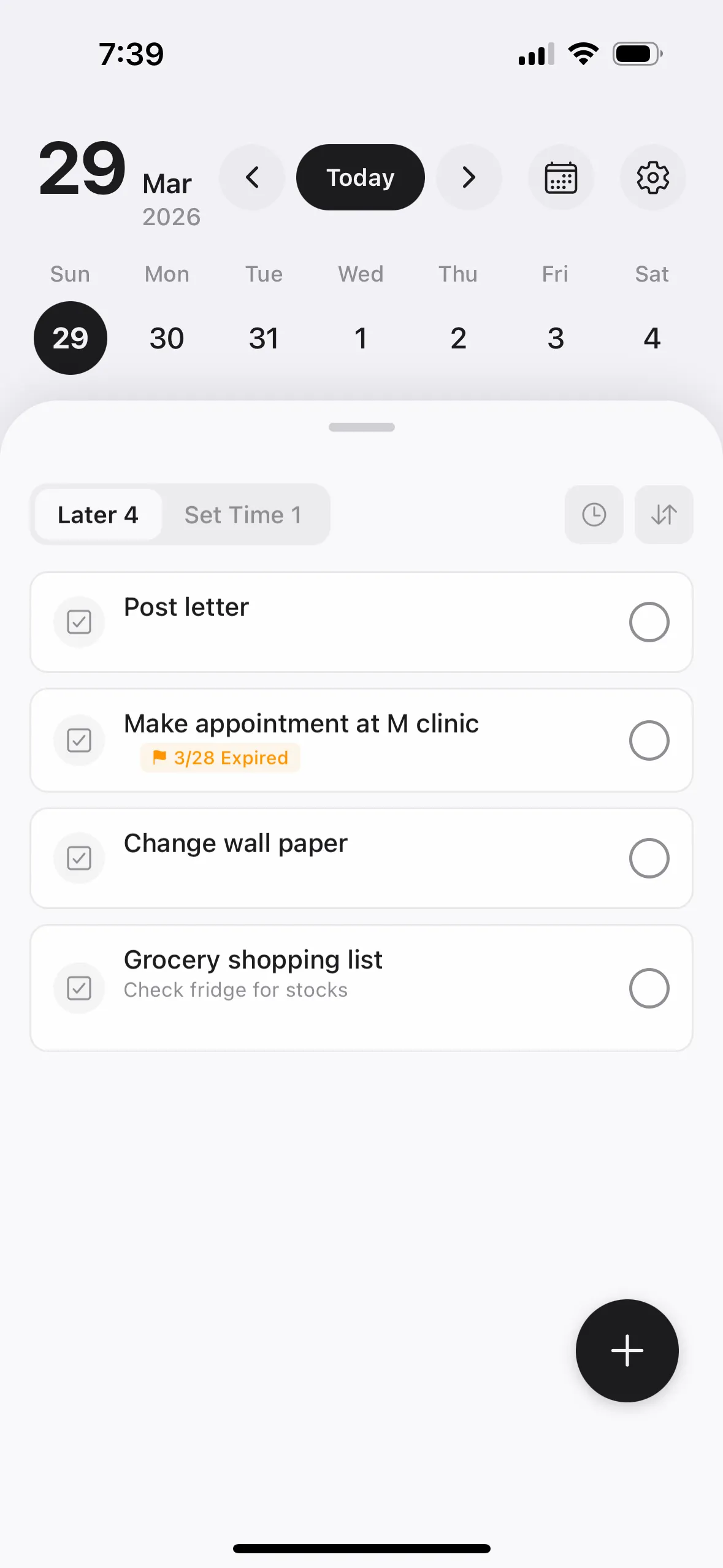
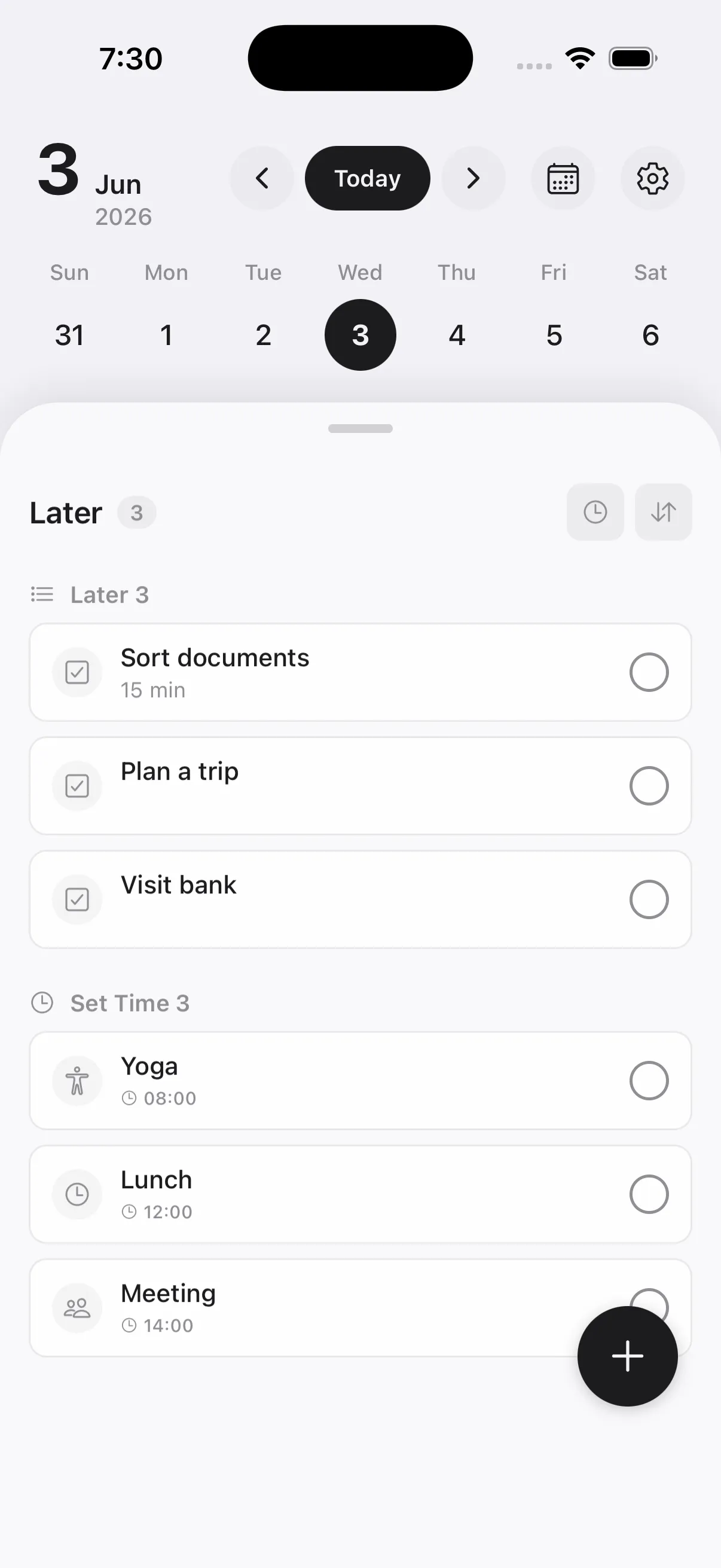
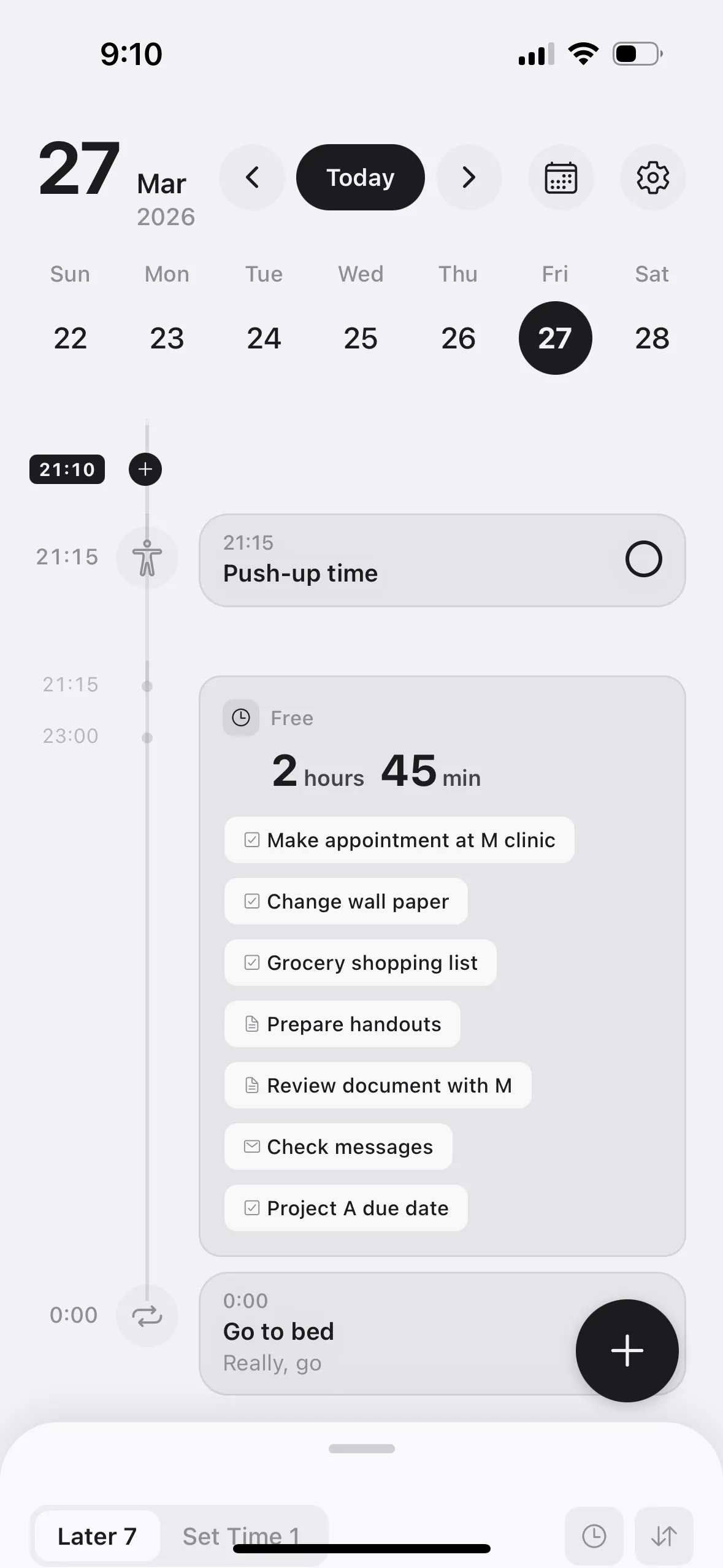
Select "Later" in the "When" section of the add/edit screen to register a task to the "Later" list
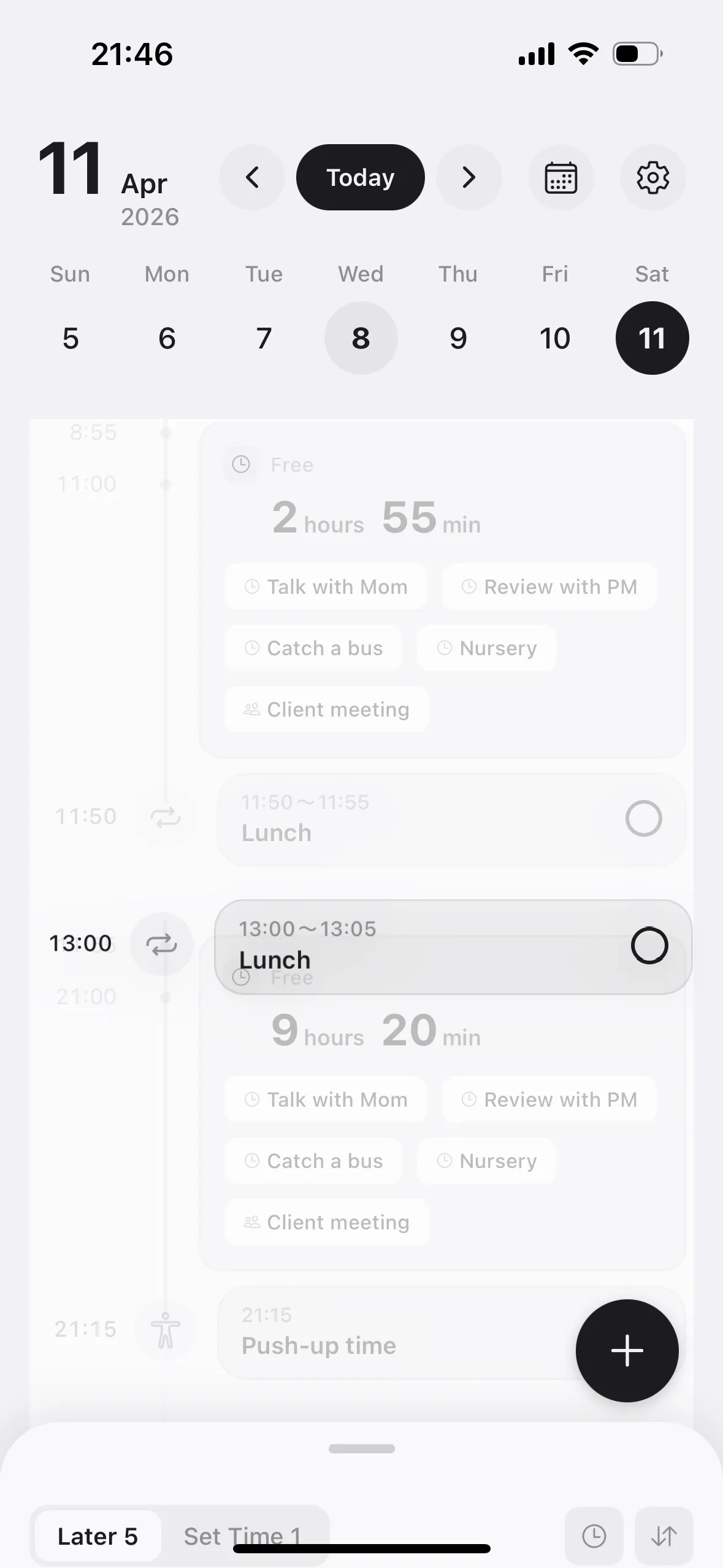
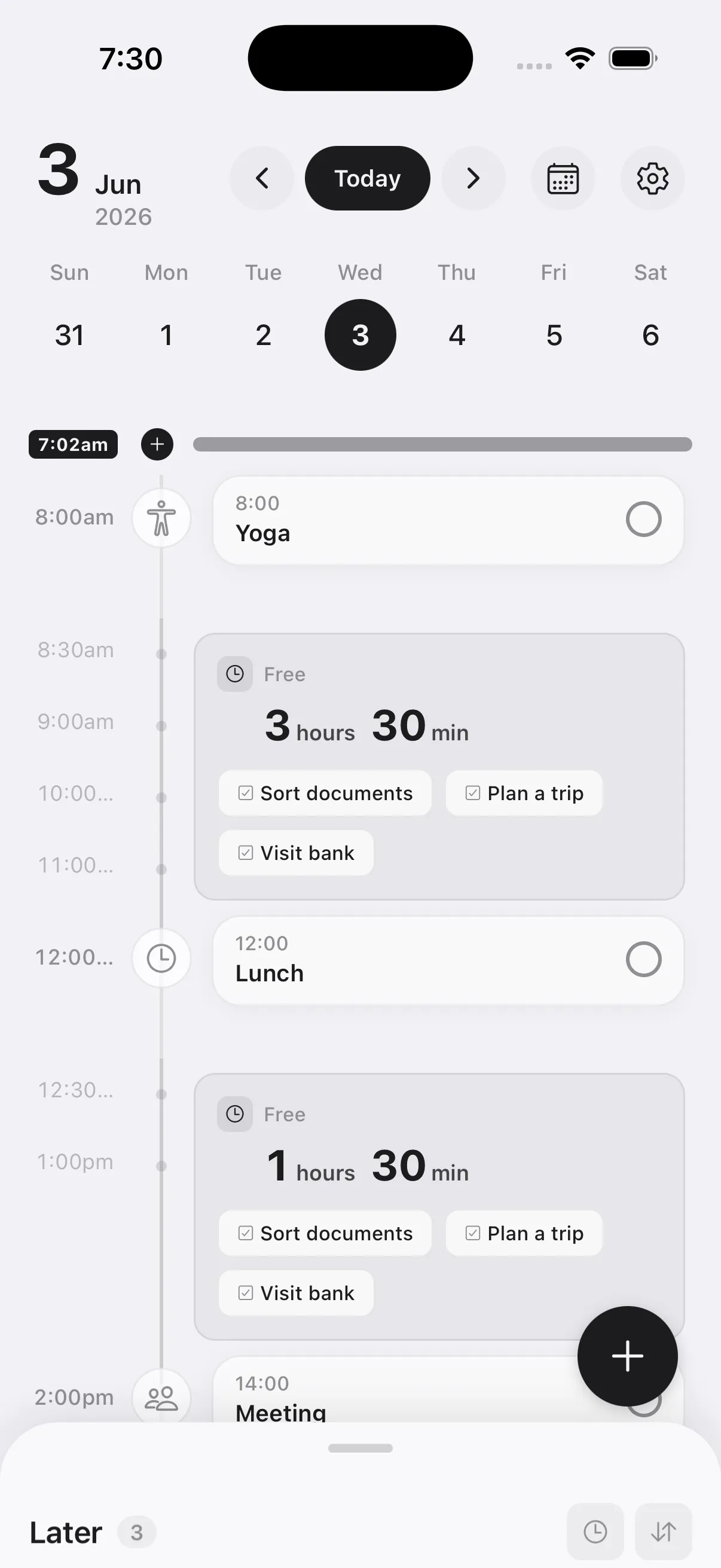
Registered tasks appear in the free time blocks on the timeline
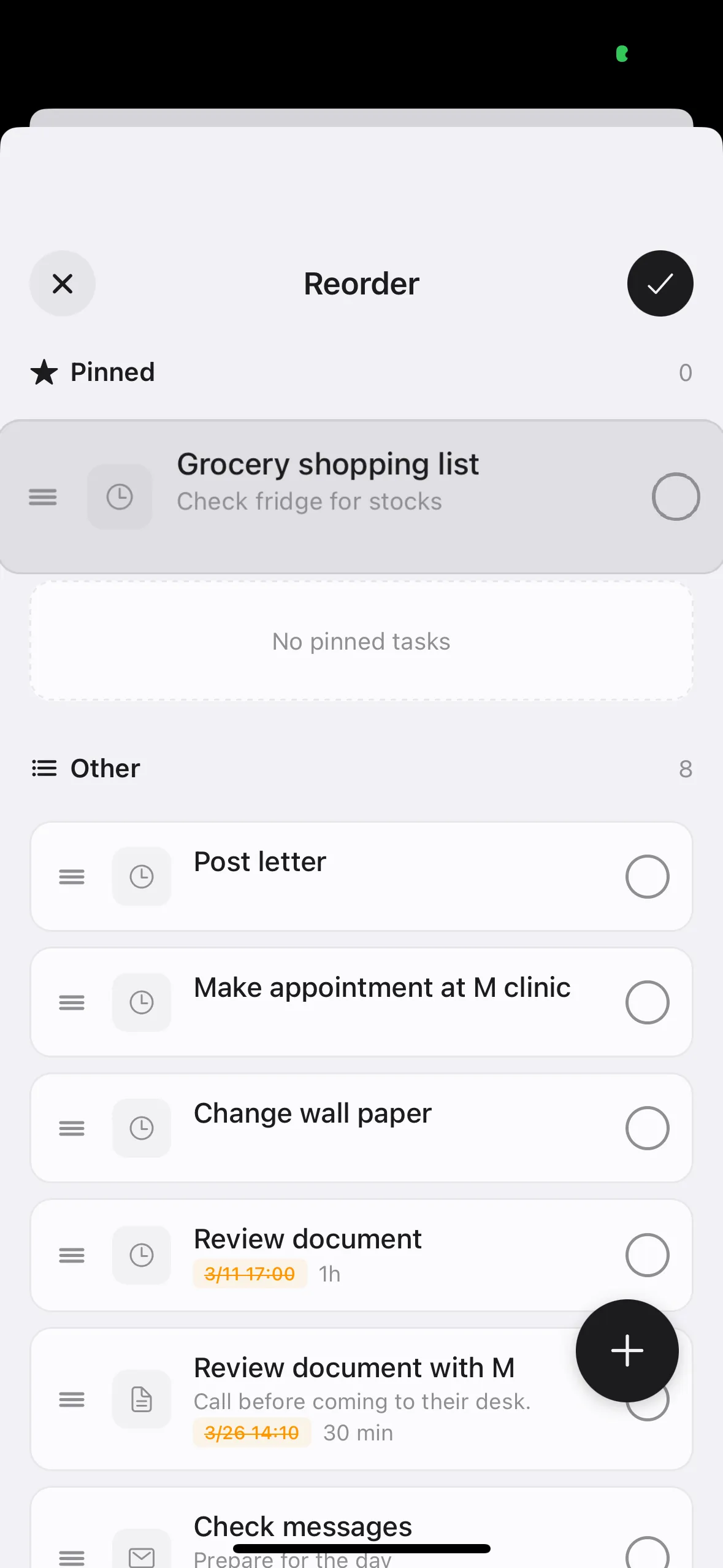
Use this as a temporary storage for tasks that don't need immediate action
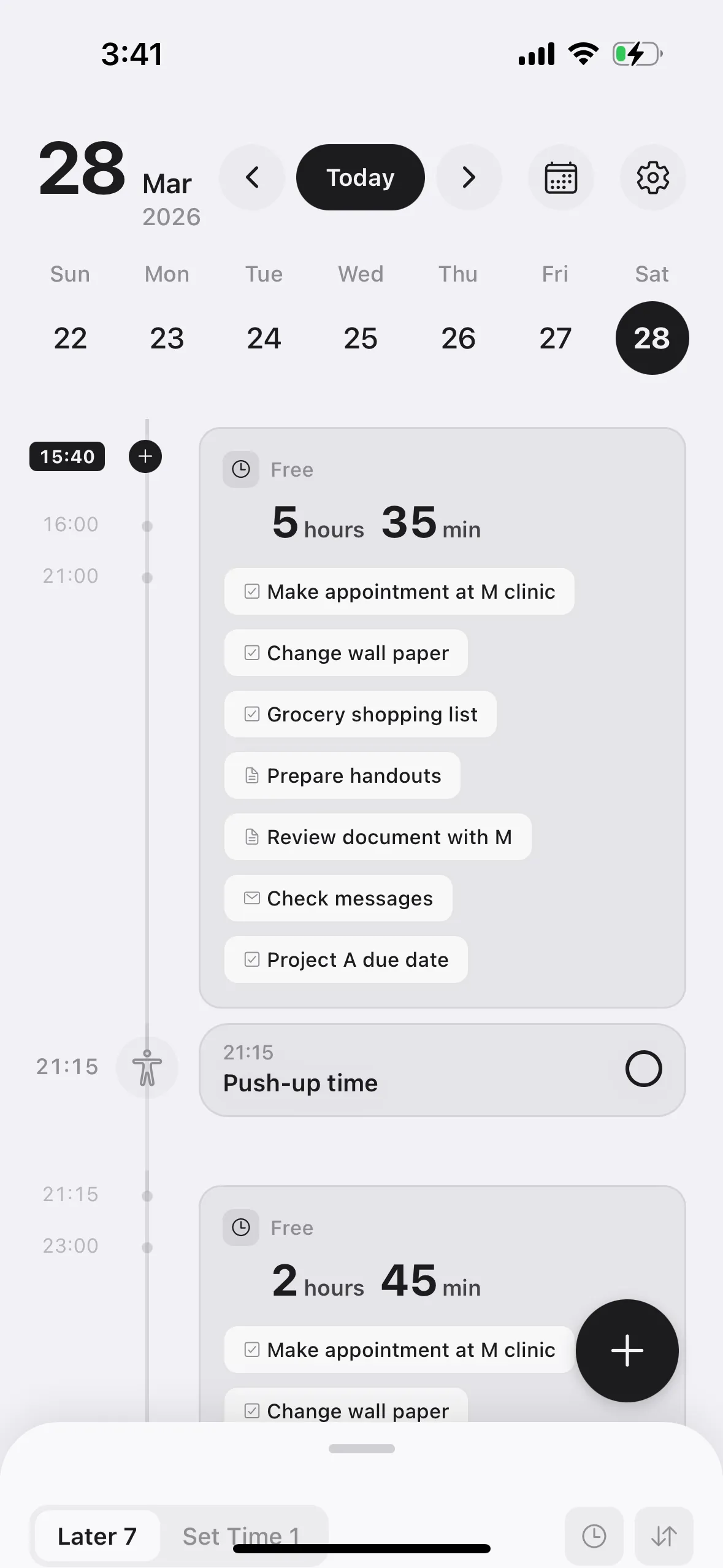
① Tap the "+" button at the bottom right to add a new task
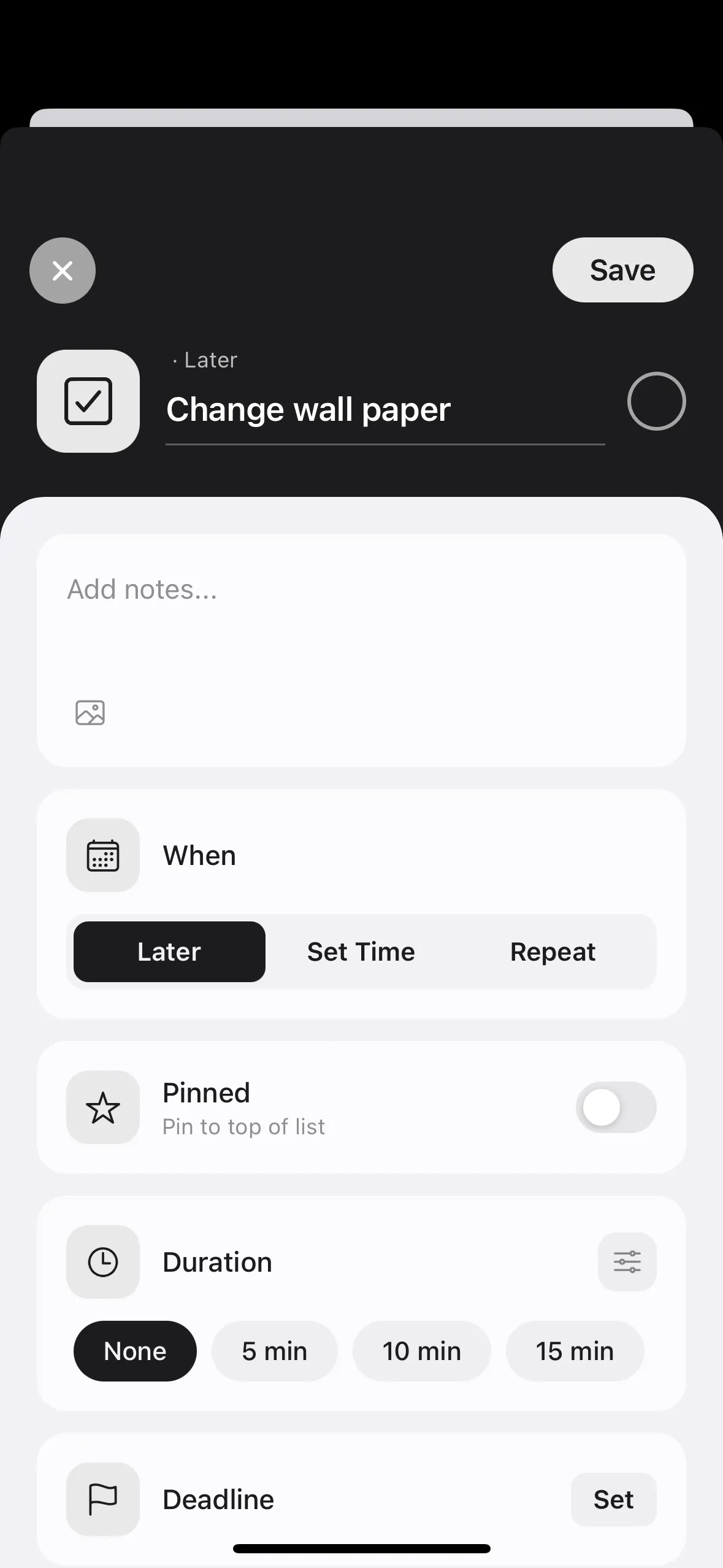
② Enter the task name and add notes if needed
Icons can be automatically suggested from the task name
Batch registration to "Later"
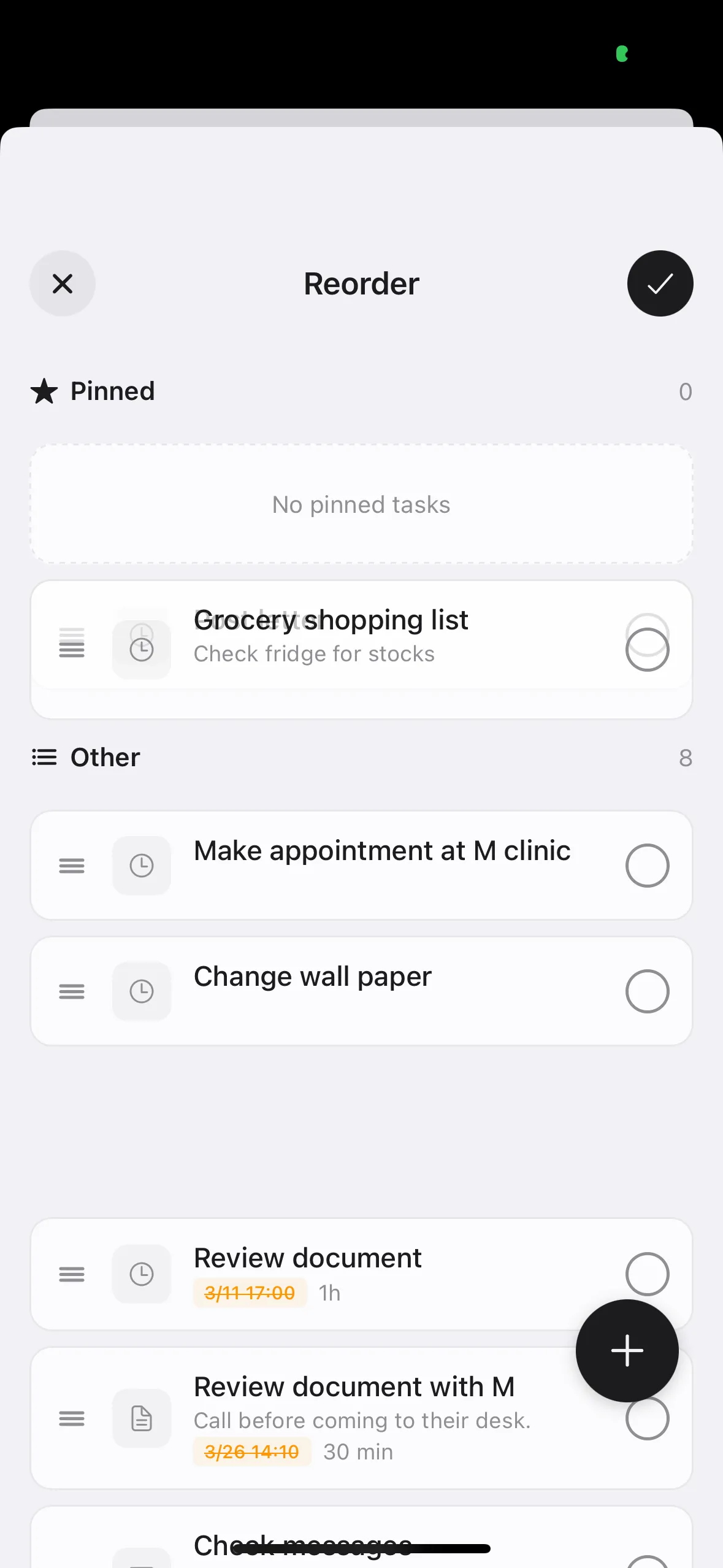
Register tasks as "Later" first, then set times and priorities afterward
This allows you to add all tasks first and organize them later