
Adding a Widget to the Lock Screen
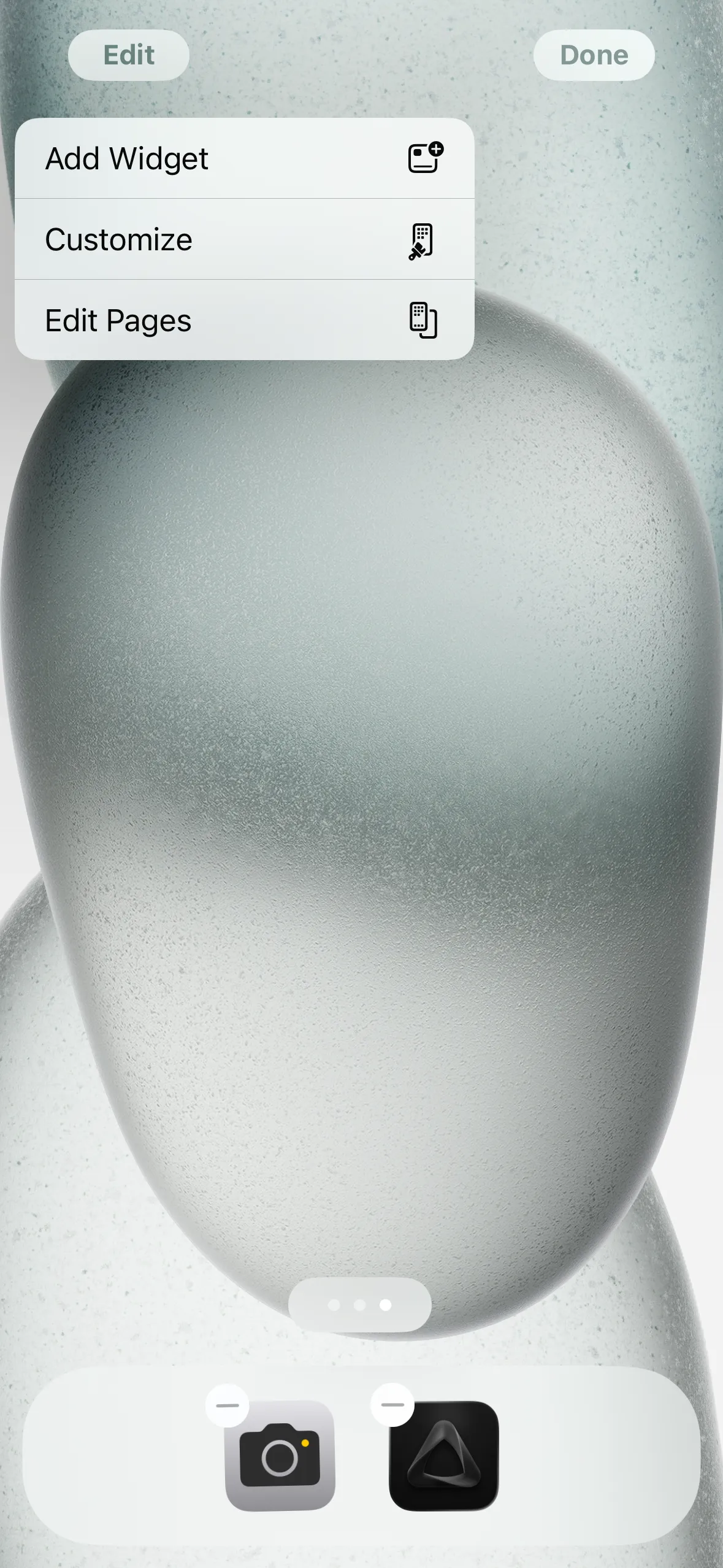
① Long press & tap "Edit"
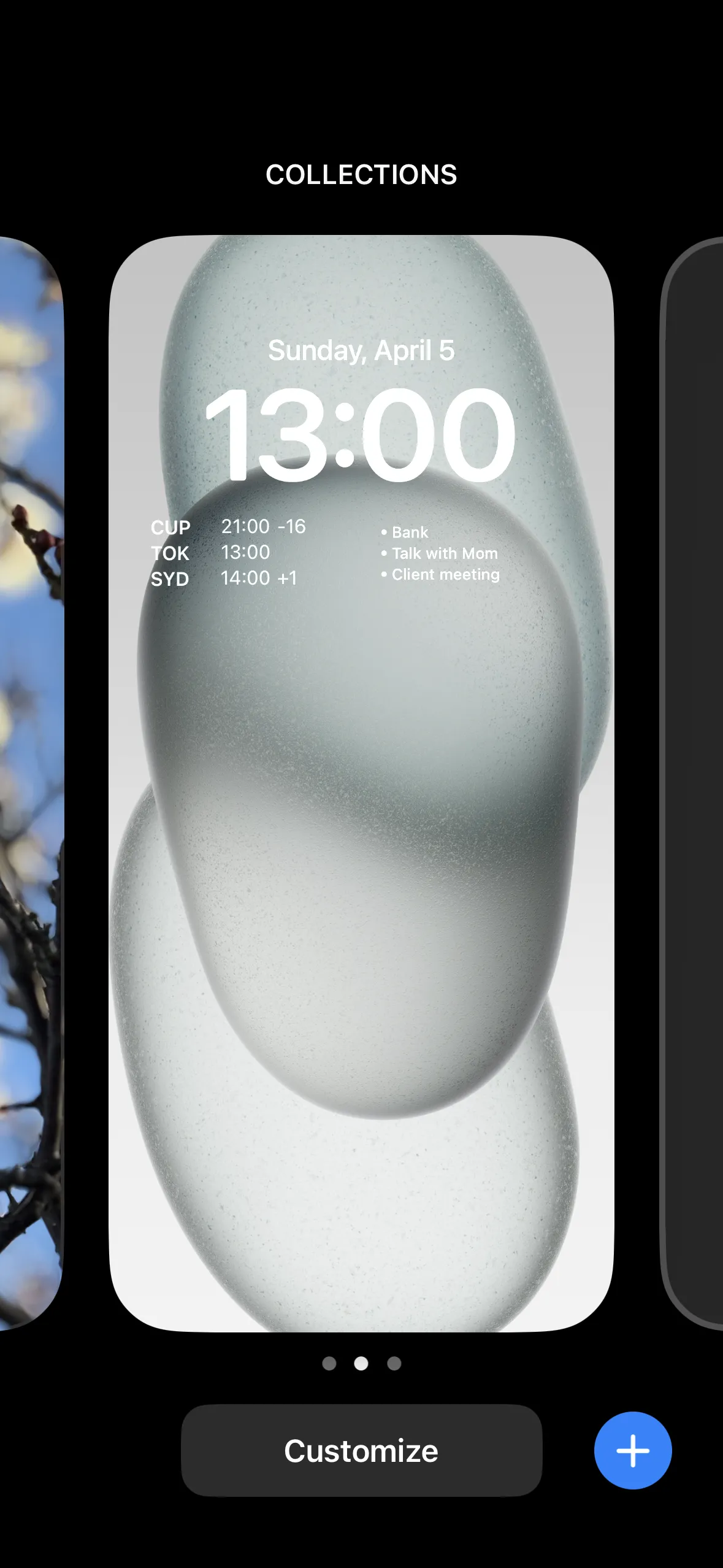
② Tap "Customize"
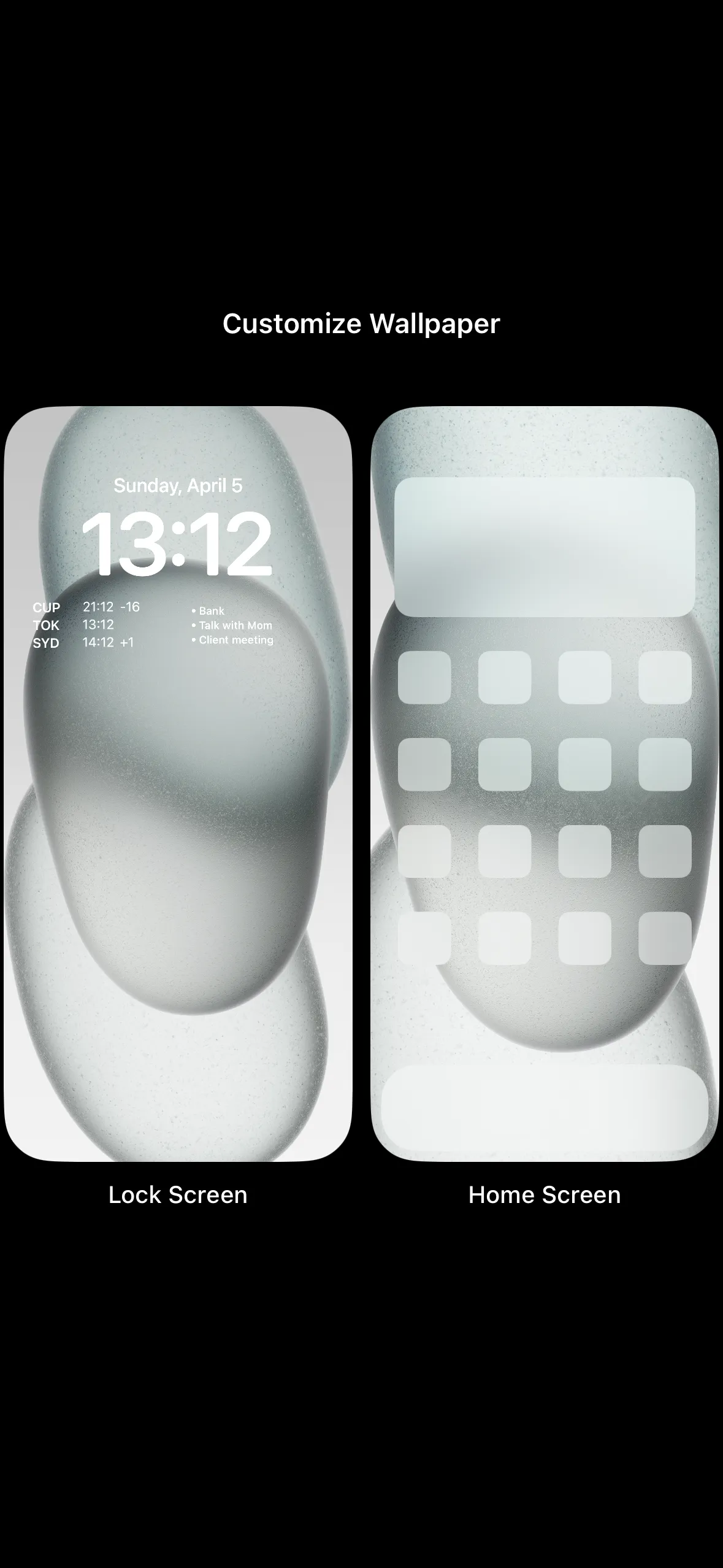
③ Tap "Lock Screen"
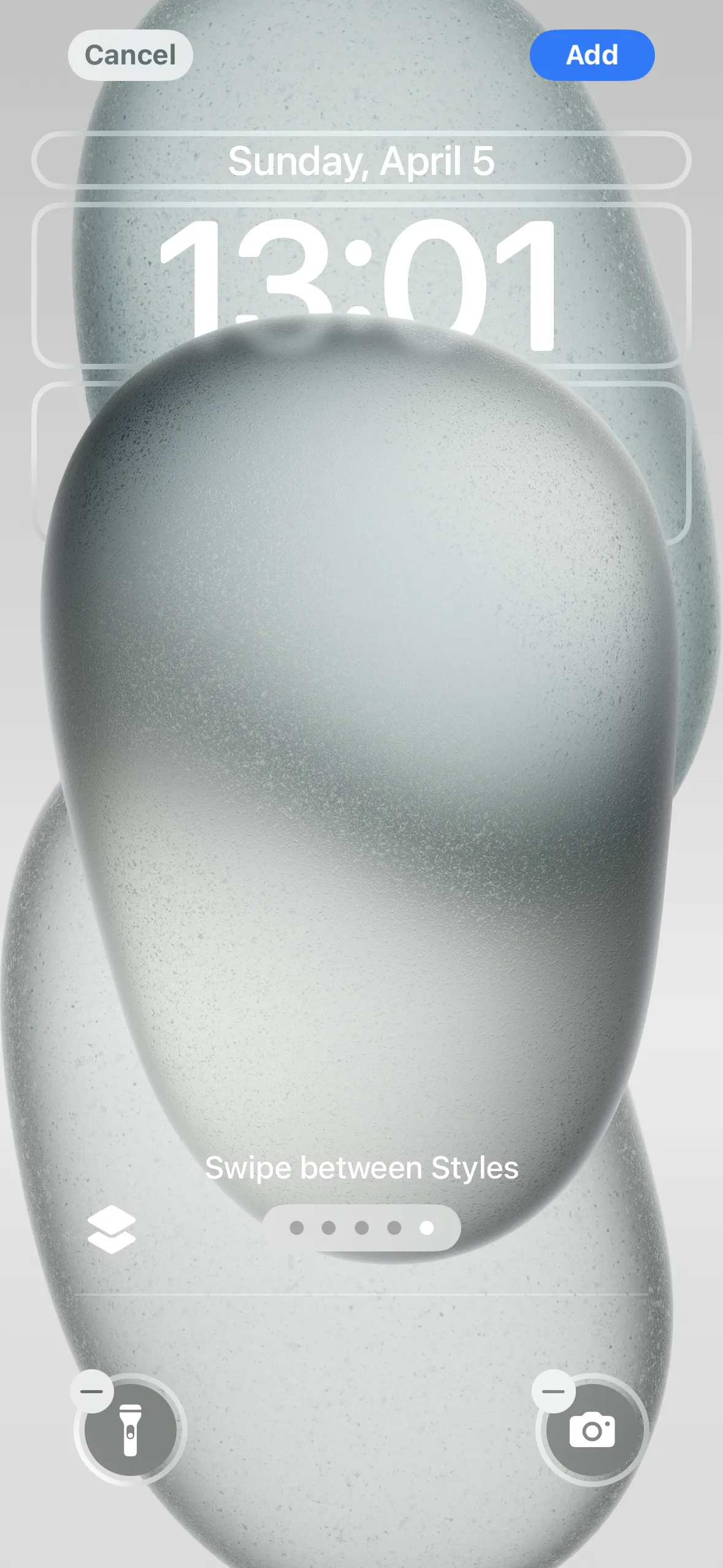
④ Tap the widget area
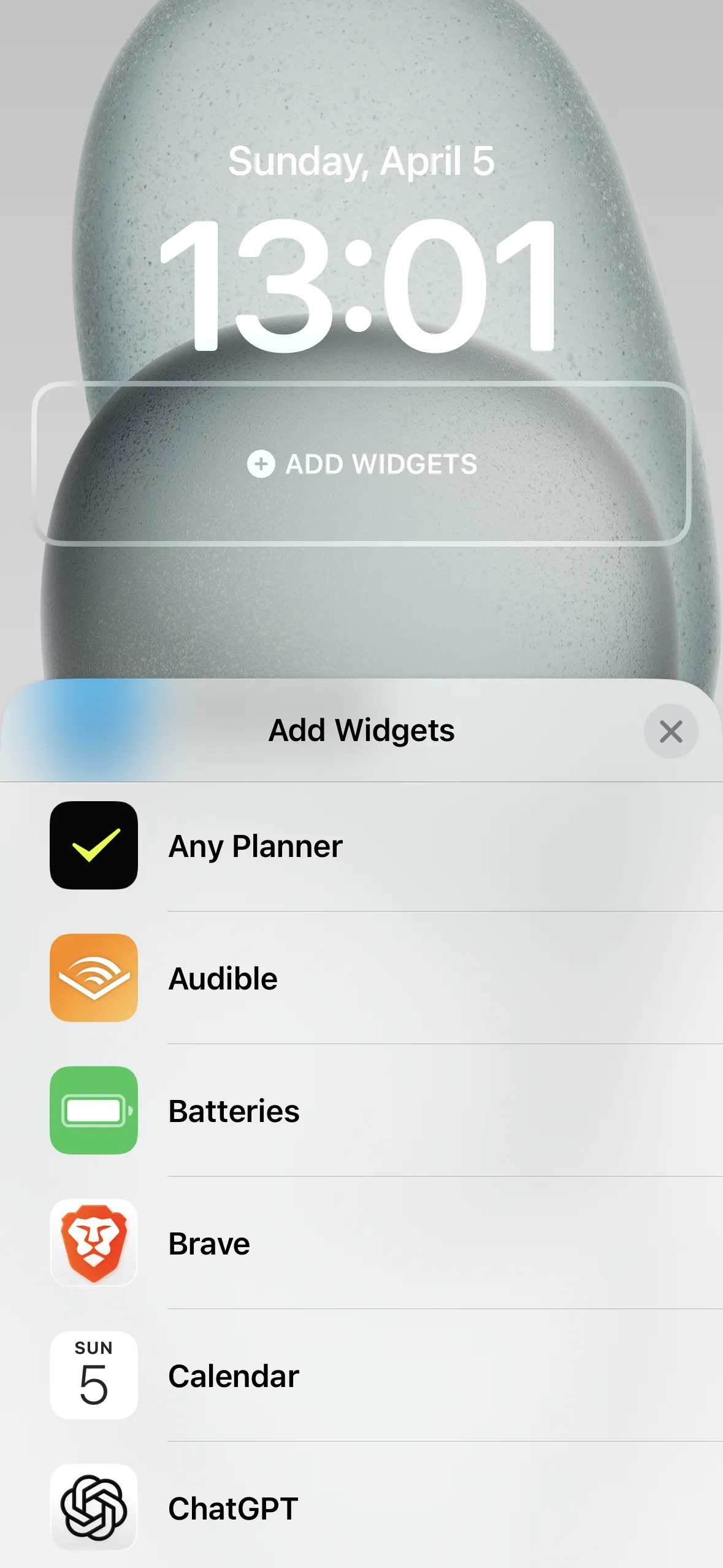
⑤ Select Any Planner
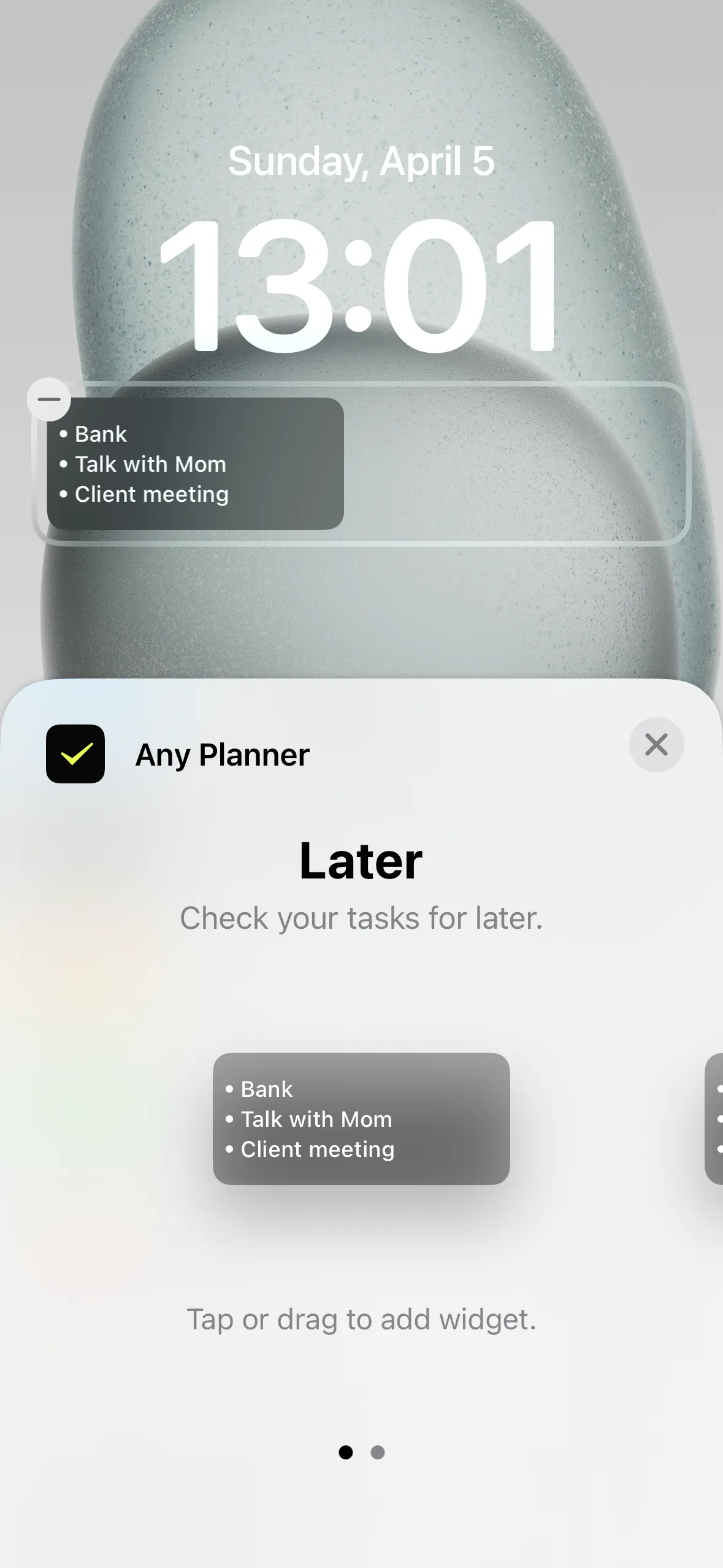
⑥ Choose a style & tap
Add widgets to your home screen or lock screen to check tasks without opening the app
You can select which calendar to display in the widget
① Long press & tap "Edit"
② Tap "Customize"
③ Tap "Lock Screen"
④ Tap the widget area
⑤ Select Any Planner
⑥ Choose a style & tap
① Long press & tap "Edit"
② Tap "Customize"
③ Tap "Home Screen"
④ Or long press home screen → "Edit"
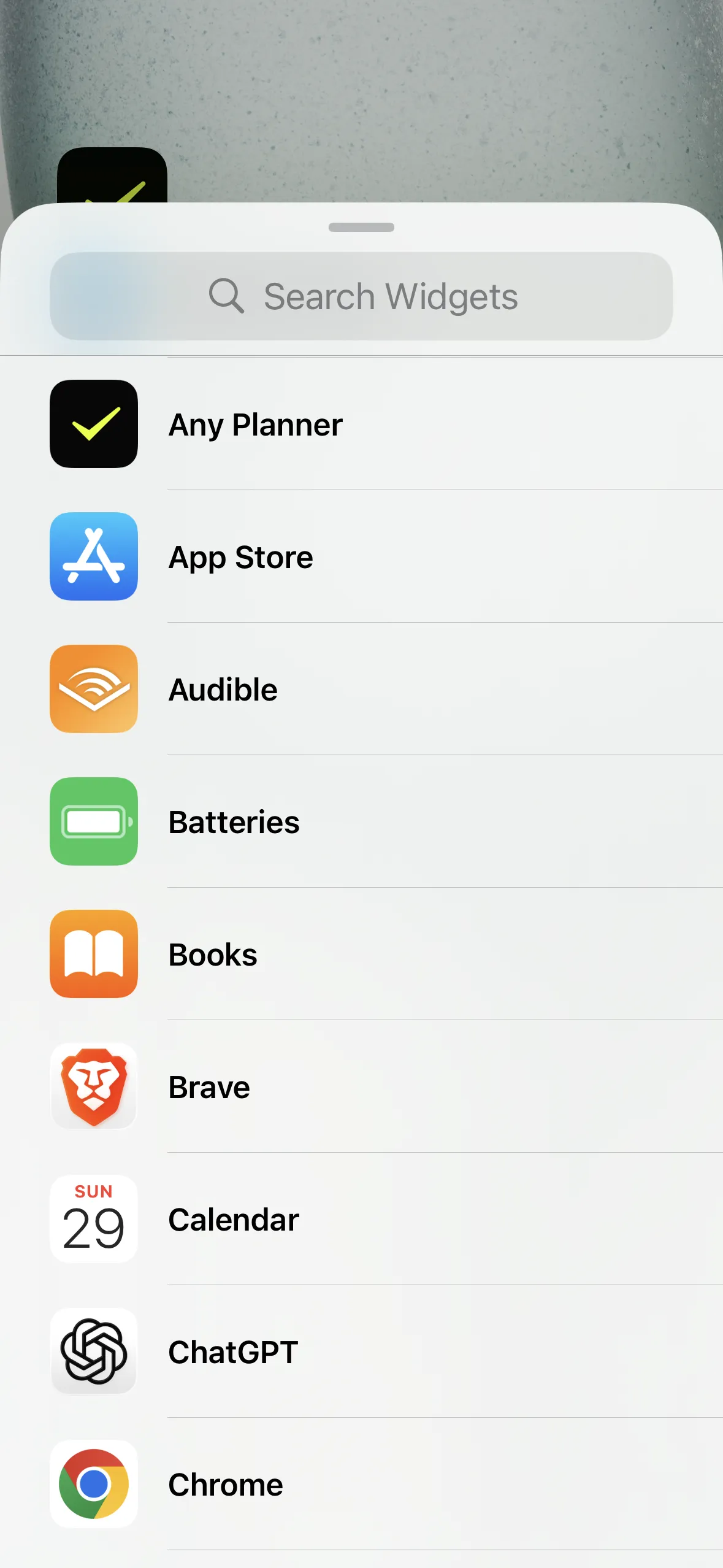
⑤ Select Any Planner
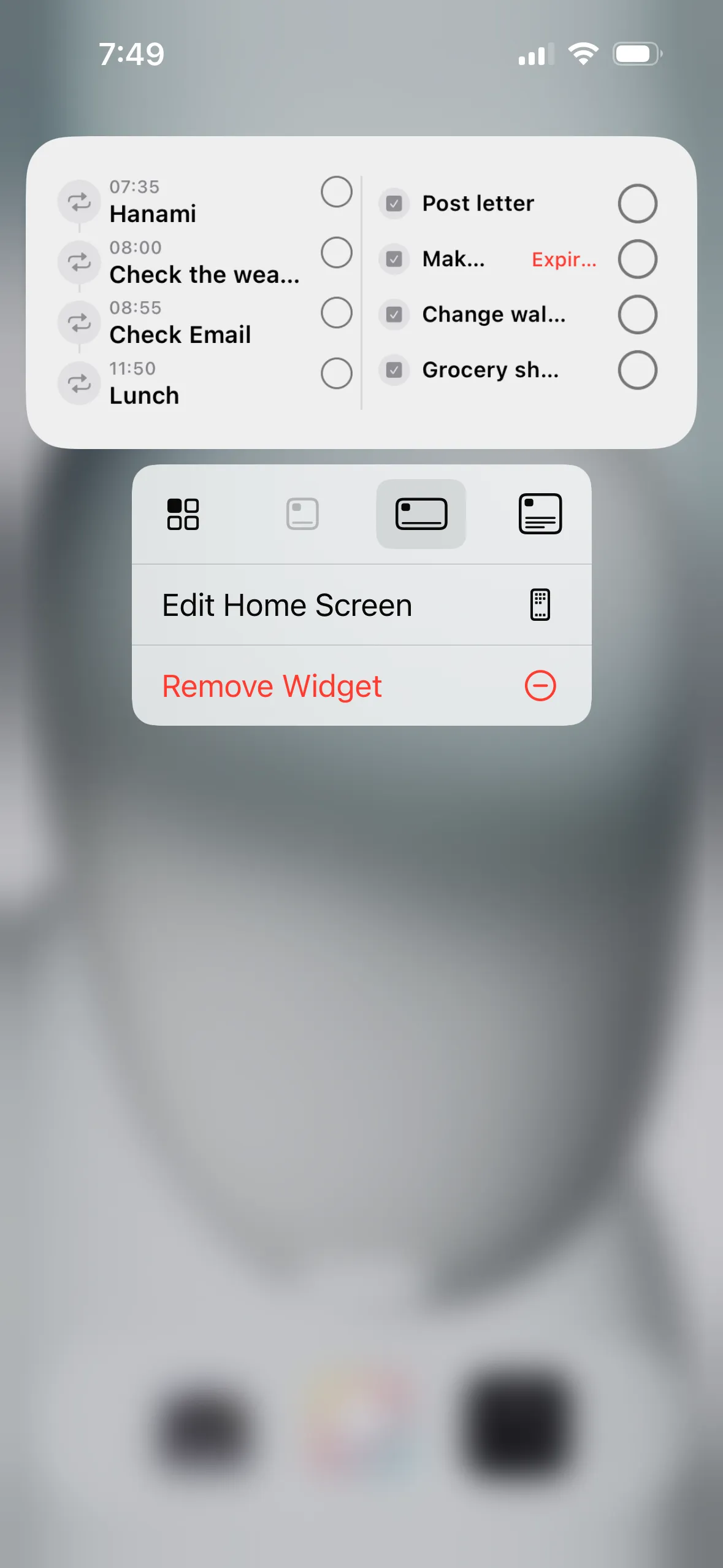
① Long press an app
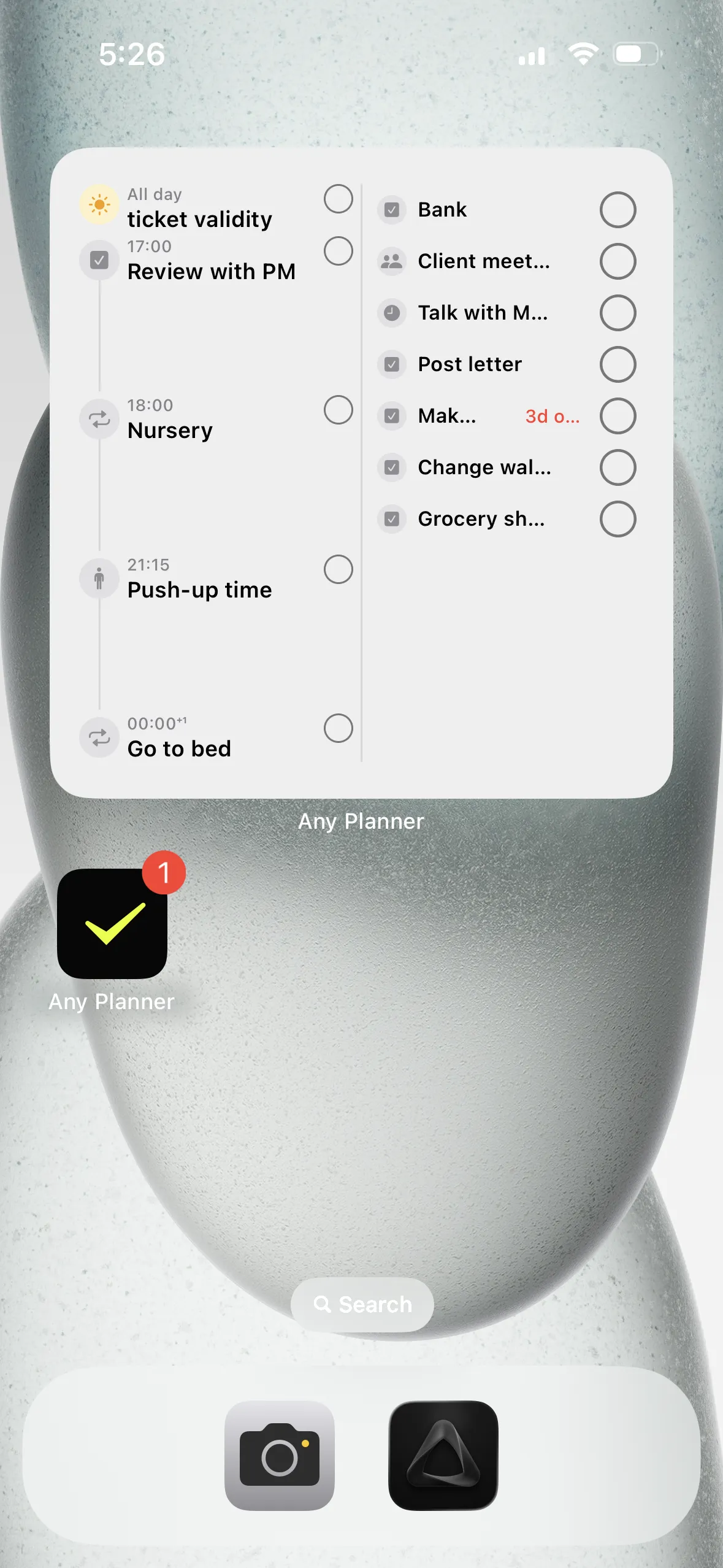
② Choose a style & tap
If the above doesn't resolve your issue, feel free to reach out through the Contact page.